How to Print Tickets
There are 2 ways to print your tickets: 1. Print at the ticket counter, and 2. Print online through the website.
1. Print at the ticket counter
Provide your booking code to the staff at the ticket counter.
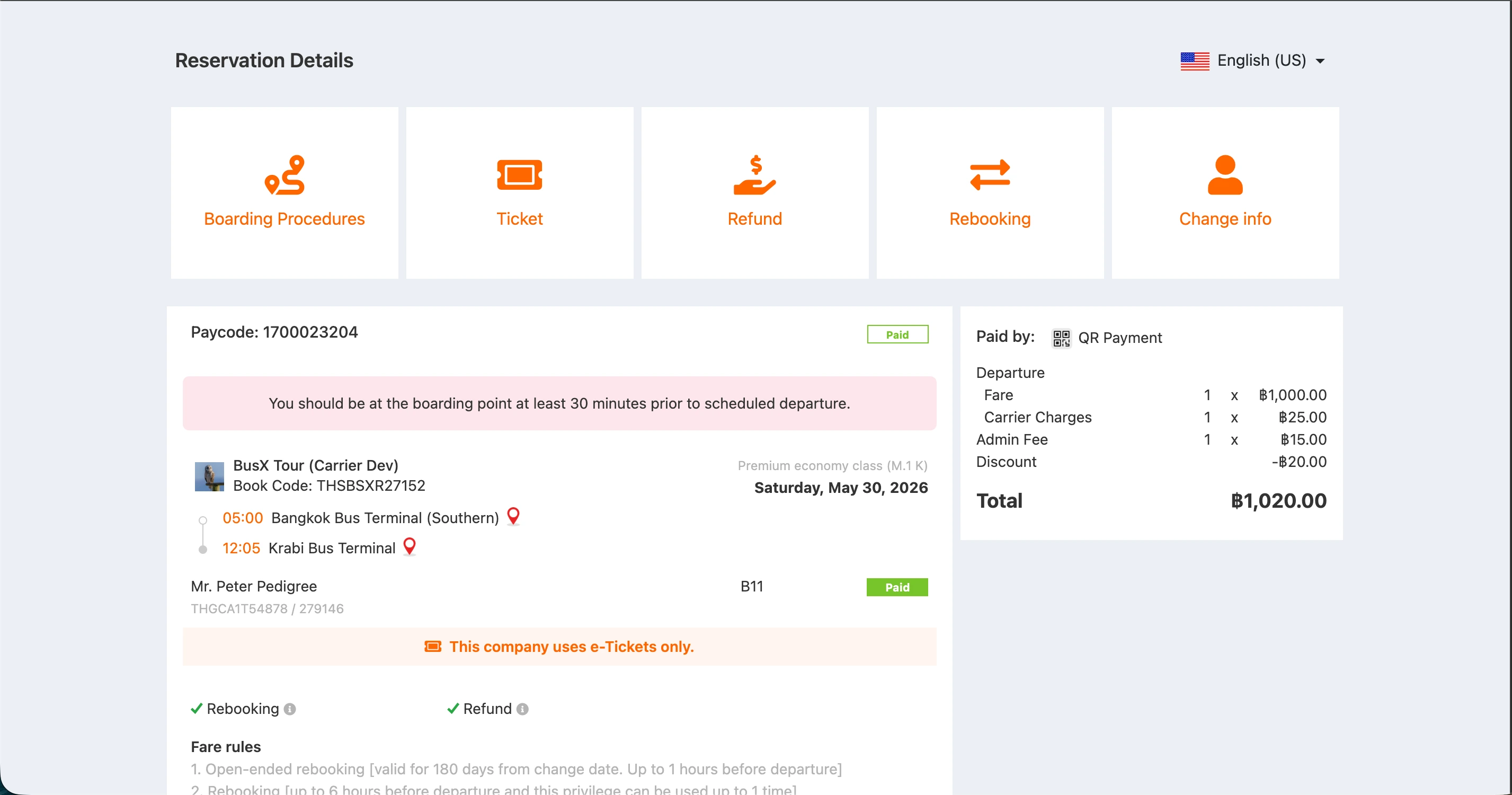
2. Print online through the website
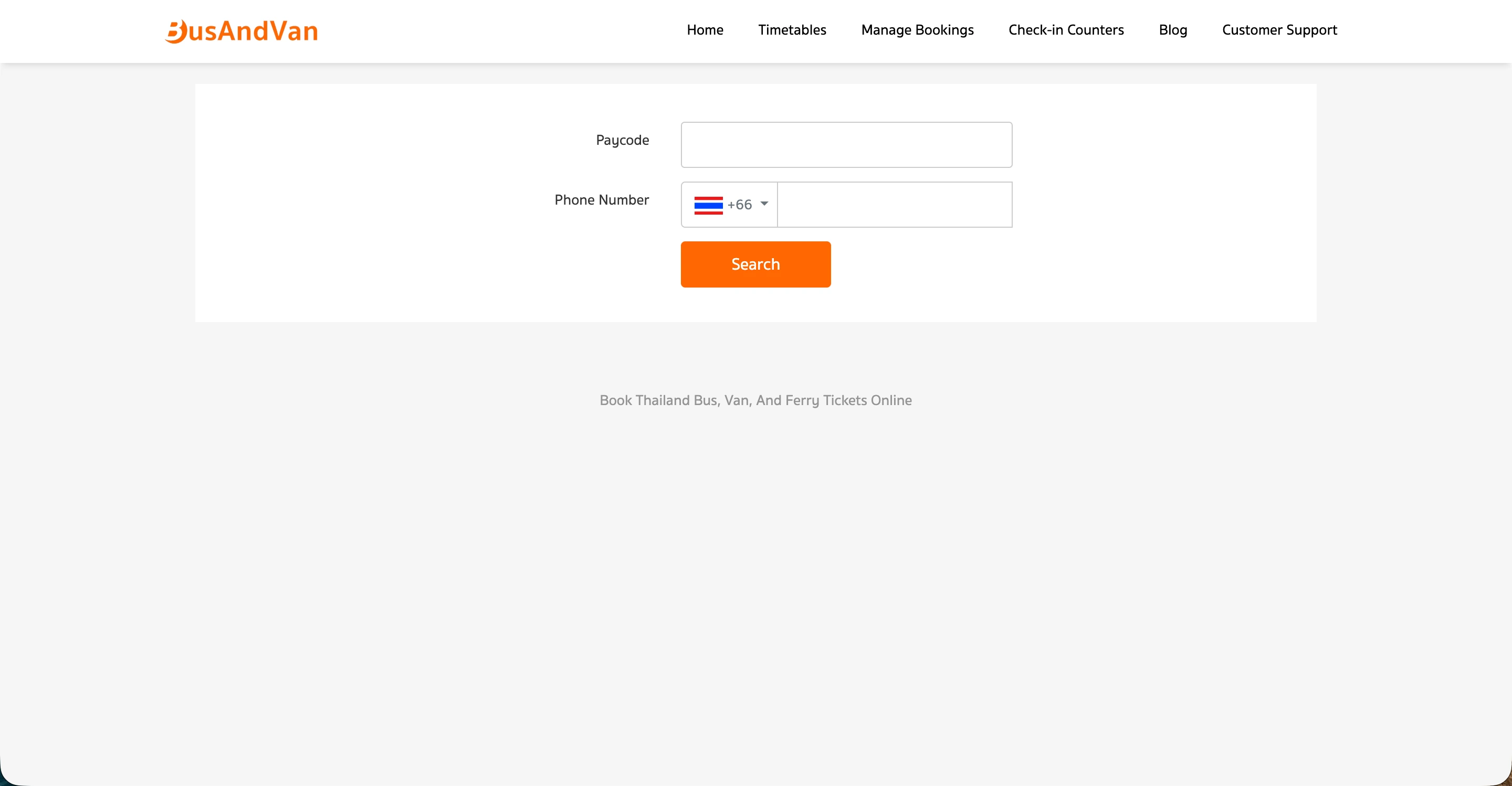
1. Manage Booking menu
2. Select the Print Ticket menu
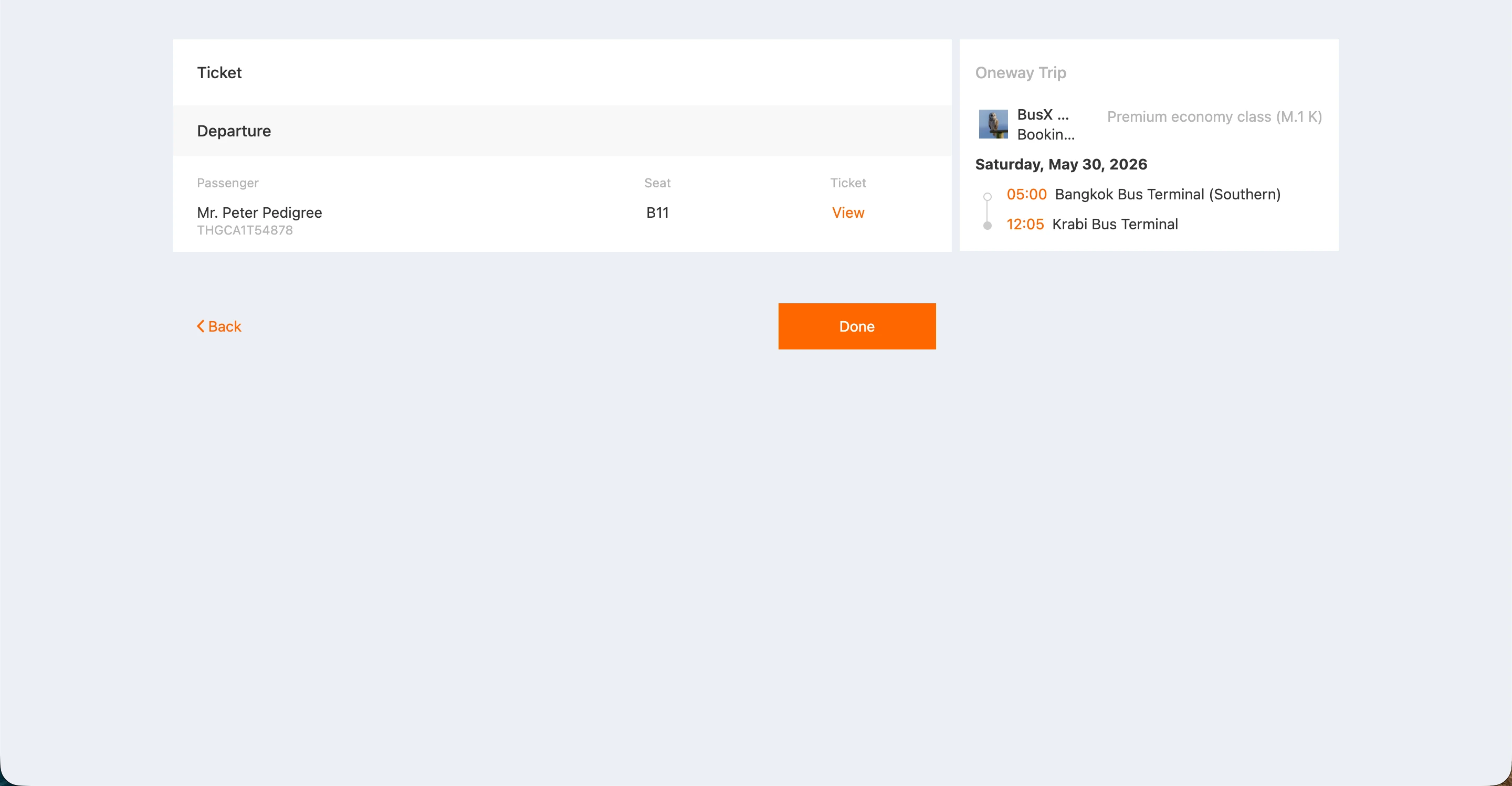
3. Print Ticket/View E-Ticket
After selecting the Print Ticket menu, click on View to display a window where you can choose to print the ticket or view the E-Ticket.